Known limitations
- Unsupported equipment and limited visibility
- Missing program backups or documentation
- Difficult integration and replacement parts

PLC, HMI, VFD and control-system work connected with industrial electrical execution, equipment upgrades, testing and maintainable documentation.
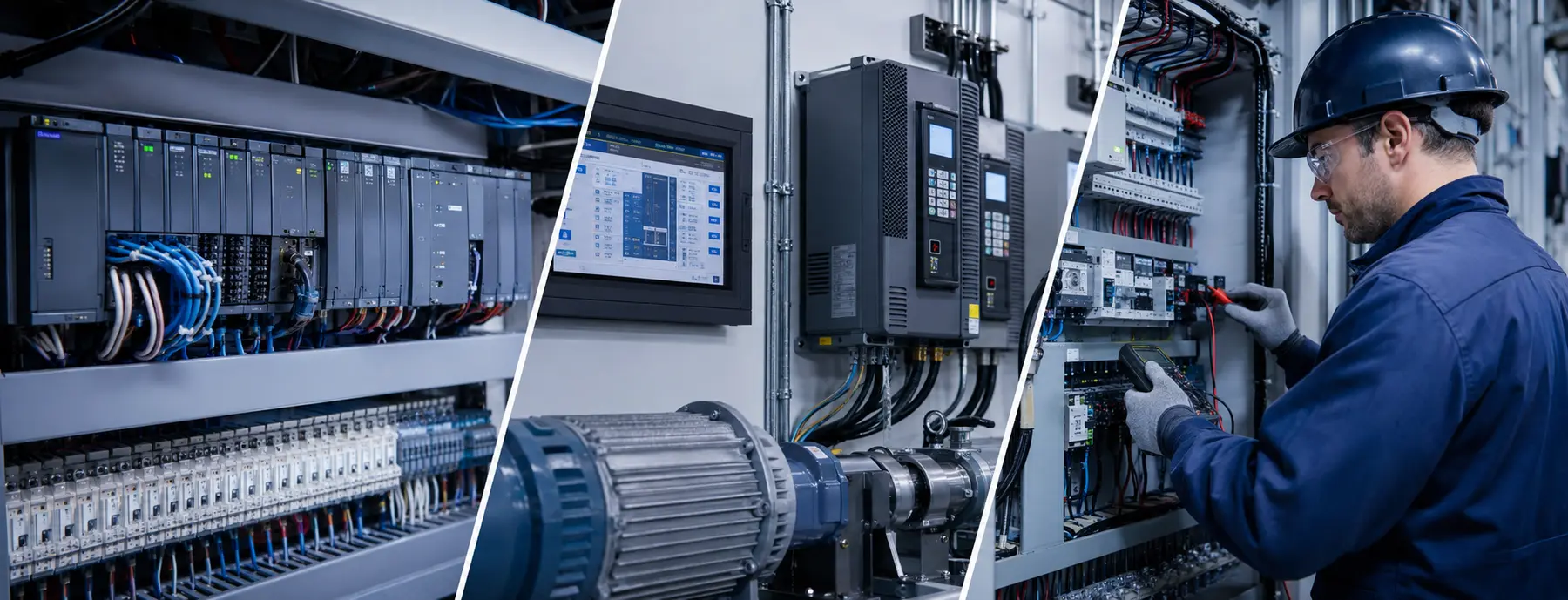
Explore real engineering capabilities, compare project paths and see how each control system fits the bigger picture.
From intermittent faults to maintainable PLC logic and planned migrations.
Exact support depends on the installed equipment, software access and documentation.
Identify the failure path and the condition of the existing controls.
Clearer operation, alarms and useful process information at the point of work.
Exact support depends on the installed equipment, software access and documentation.
Simplify screen navigation and improve the clarity of operator information.
Drives, motors and control interfaces working together reliably.
Exact support depends on the installed equipment, software access and documentation.
Understand trips, load conditions and control issues before replacing equipment.
A deliberate path from aging panels and fragmented systems to modern controls.
Exact support depends on the installed equipment, software access and documentation.
Map what must be retained, replaced or tested before work begins.
From intermittent faults to maintainable PLC logic and planned migrations.
Exact support depends on the installed equipment, software access and documentation.
Identify the failure path and the condition of the existing controls.
Select a device to understand its role, the key connections and the work The Conductor can support.
A carefully planned transition that protects operations and keeps future service practical.
Understand the installed system, available backups and operating constraints.
Plan the architecture, migration, risk controls and acceptance tests.
Implement approved panel, network and programming changes.
Verify operation, capture backups and hand over documentation.
Tell us what is installed, what is changing and what needs to keep running.
Start with the installed system, production constraints and available backups. The scope should reduce risk rather than move it somewhere else.
Controls engineering, industrial electrical work, programming and commissioning remain connected through one controlled execution path.
Control panels organized for safe operation, maintainability and a clear commissioning path.
Staged improvements that reduce obsolete-hardware risk while respecting production and startup constraints.
Programming, diagnostics, modifications and migrations built around the existing process and maintenance needs.
Clear operator interfaces and dependable motor-control integration with useful status, alarms and system visibility.
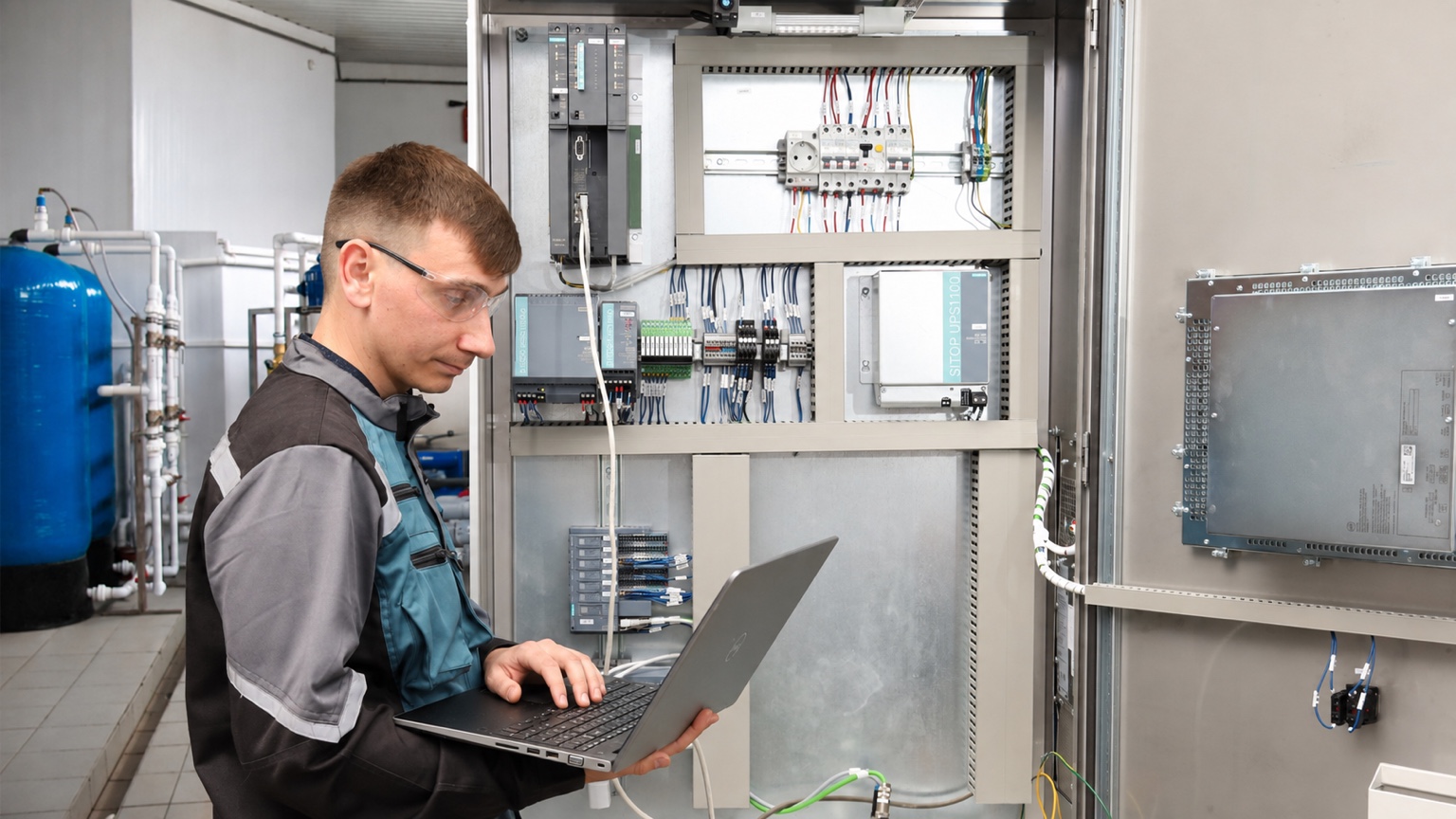
Brand names describe practical platform experience—not an exclusive partnership or certification. Exact support is confirmed against the installed model, software version, access and available backups.






Review the process, existing controls, risks and operating constraints.
Define architecture, sequence, drawings, I/O and materials.
Prepare panels, software and field work under controlled revisions.
Verify operation through FAT, SAT, startup and final handover as applicable.
These examples describe typical solution paths. Final scope depends on the installed equipment, process risk and production requirements.
Unsupported hardware and missing backups make each new fault more expensive.
New devices and process changes no longer fit the original controls architecture.
The facility has signals but no useful record of stops, alarms or recurring conditions.
Platform, documentation, approval and project-scope questions that are useful to resolve early.
Both. Work may involve troubleshooting and modifying an existing system, migrating obsolete platforms or developing a new control solution.
Platform experience includes common Allen-Bradley / Rockwell Automation, Siemens, Schneider Electric / Modicon, Omron, Mitsubishi Electric and AutomationDirect controls, plus major VFD families from PowerFlex, ABB, Danfoss, Siemens, Schneider Electric and Yaskawa. Exact support is confirmed against the model, software version, access and available backups.
Depending on scope: schematics, panel layouts, BOM, I/O lists, cable schedules, PLC/HMI backups, FAT/SAT records and as-built drawings.
Where applicable, work can be prepared for third-party CSA SPE-1000 field evaluation. The evaluation itself is performed by an accredited inspection body.
Share what the equipment does today, what needs to change and which drawings or backups are available.